
An HVAC and plumbing company recently started showing a button that asks people to add the business as a preferred source on Google.
The screen that follows looks official: Google’s logo, a confirmation line, and a blue Add button. That raises a fair question for any contractor who sees it. Does this actually work, or is it just another badge to collect?
It works. It just does not do what most people hope it does.
What Google Preferred Sources is
Preferred Sources lets a signed-in Google user pick websites they want to see more often. Google built the feature for publishers, but some contractor sites are already being offered the same button.
When someone selects your site, two things can happen for that person:
- Your content is more likely to appear in Top Stories, marked with a “preferred” badge
- In AI Mode and AI Overviews, your content can also get a “preferred” badge, in places where those features exist
Google is explicit about the limits. Only a domain or subdomain can appear in the source preferences tool. A subfolder such as yoursite.com/blog cannot. Google decides which sites show up in the tool. And sources that are not updated regularly may not be available.
For the preferred badge in AI Mode and AI Overviews, your site also has to be included in Search generative AI features in Search Console.
If the person is signed in when they save the setting, it follows them across browsers they sign into.
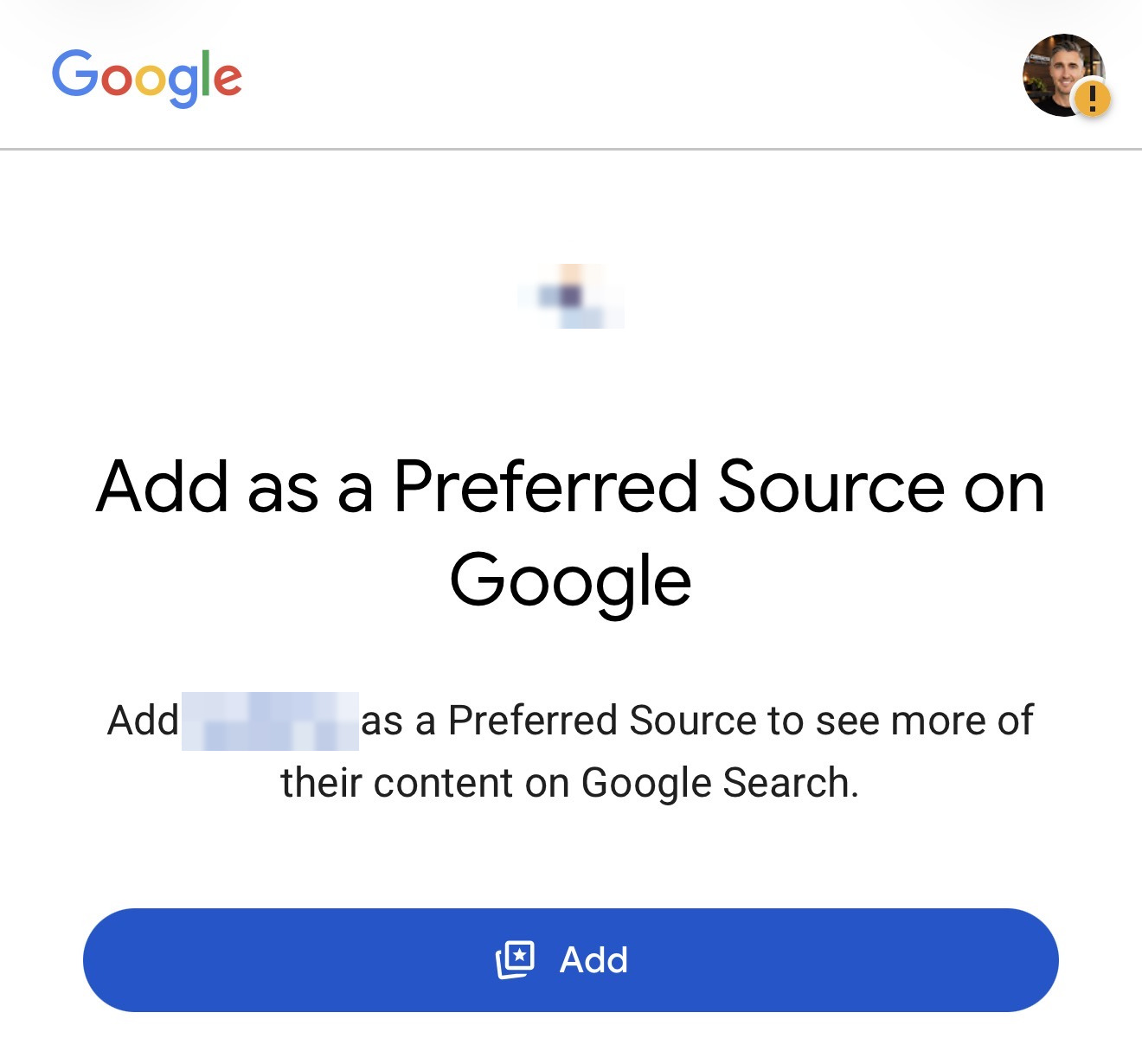
Google’s confirmation screen after someone taps an Add as a Preferred Source button. The company name and logo are hidden.
Does the button actually work?
Yes, for the person who tapped it. No, as a way to rank higher for everyone else.
Preferred Sources is personalization, not a sitewide ranking factor. It only changes results for that signed-in user. A homeowner who has never heard of you, has never visited your site, and has not added you will not start seeing you more often because someone else did.
Google also ties the Top Stories benefit to fresh, relevant content. After you are added, that person is more likely to see you in Top Stories when you publish something that matches what they searched. If you rarely publish, there is little for Google to show.
So the honest use case is repeat visibility with people who already know you: past customers, newsletter readers, and homeowners who already trust the company. It is not a shortcut into new searches, local map packs, or AI Overviews for strangers.
That is still useful. It is just a different job than most SEO tactics.
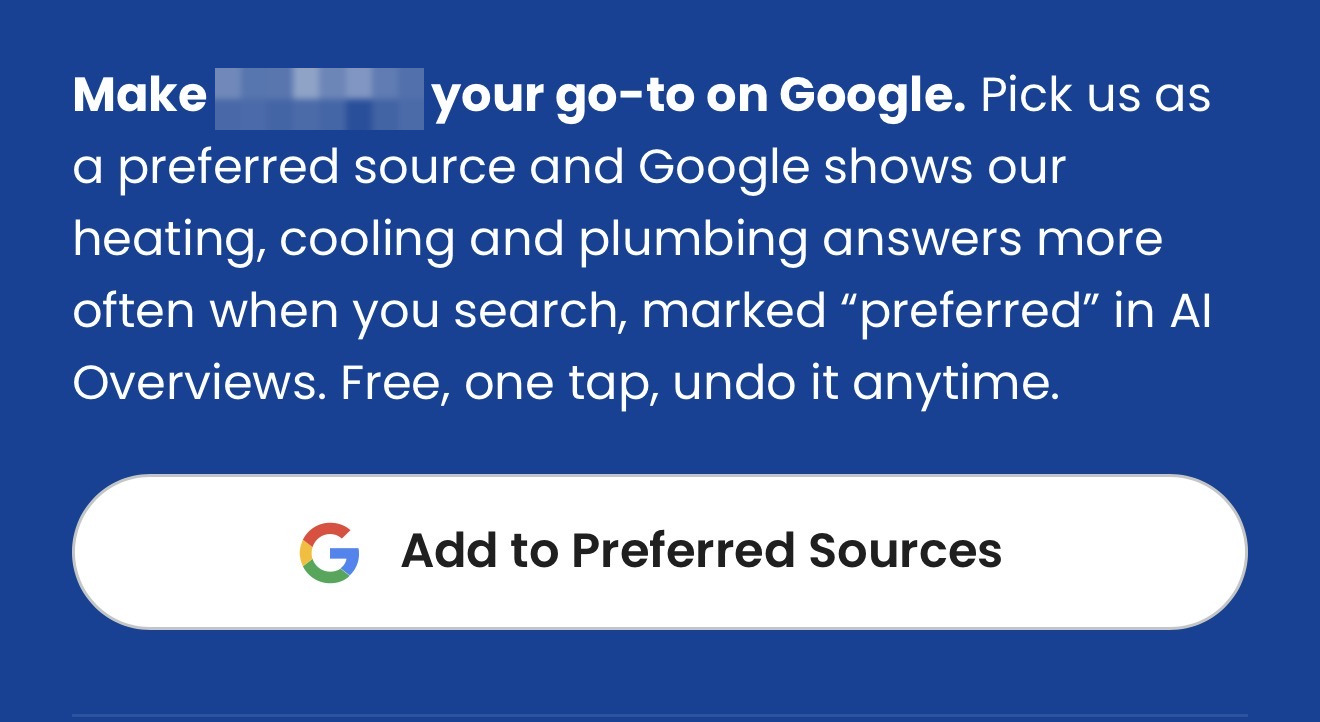
An on-site prompt from an HVAC and plumbing company, with the company name hidden. This is the kind of button Google lets publishers add to a site, email, or message.
How a contractor adds the button
Start by checking whether Google is even offering your site. Open the source preferences tool while signed in, and search for your domain. If it does not appear, the official button and link will not help yet. Keep publishing useful pages, then check again.
Google documents three ways to help people add you, once your site is in the tool. You do not have to add any of them to be selected. People can also add a source from Top Stories or the preferences screen on their own.
The standard button, which Google recommends, is two lines in your page HTML. It loads a Google-styled, translated button and sends the reader back to your page when they finish:
<script async src="https://news.google.com/swg/js/v1/publisher.js"></script>
<div google-add-preferred-source-btn></div>
You can set data-theme="dark" or data-theme="light" on that div, and optionally set data-lang if you need to lock the button language.
A custom button is available if you want your own design. The end-user flow stays the same. Google’s Preferred Sources documentation covers the JavaScript for that version.
A deeplink is the option that matters most for contractors who cannot drop JavaScript into a page, or who want the same ask in email, texts, or social posts:
<a href="https://www.google.com/preferences/source?q=example.com">
  Add as Preferred Source
</a>
Replace example.com with your domain. That URL opens the source preferences tool on your site, where the person confirms the selection.
Where to put it on a contractor site
Put the ask where someone already trusts you, and where it will not get in the way of a booking or a review.
On the website, a resources or insights page is a better fit than the homepage or a service page built to generate a call. The button is asking a reader to change their Google settings. That is a reasonable ask after they have read something useful. It is a weak ask in the middle of “call us about a leak.”
In email, it belongs in a post-job note or a message that points to a helpful article, not in a blast to a cold list. The person already knows the company, and the email can explain that the setting only changes what they see.
In a review-request text, keep the review request as the main action. Asking customers for Google reviews is its own process, with its own rules. If you mention Preferred Sources at all in a follow-up text, make it a second, optional line after the job is done, not a replacement for the review link and not a condition for leaving a review.
A simple email or text line is enough:
If you want to see our how-tos and project updates more often in Google, you can add us as a preferred source: https://www.google.com/preferences/source?q=example.com
Swap in your domain. Do not oversell it. Do not tell people it will make you “rank #1.” It will not.
Who this is worth it for
This is worth adding if both of these are true:
- Your domain already appears in Google’s source preferences tool
- You publish useful content on a regular cadence: seasonal maintenance guides, honest project write-ups, trade how-tos, or answers to questions your customers actually ask
If you have a brochure site with a few service pages and no publishing habit, the button will not do much even if Google offers it. There is nothing new for Top Stories or AI Overviews to highlight.
Preferred Sources also does not replace the work that actually wins new jobs: a clear website, Google Business Profile, reviews from every customer, and pages that answer the buying question. Those still decide whether a stranger finds you. This feature only helps the people who already chose you see you again.
If you are going to do it, do the check first, add the official button or link only where it fits, and keep publishing work that is worth showing.
Sources
- Help your readers find your site through preferred sources in Google Search. Google Search Central. Feature availability, eligibility, and the official button, custom, and deeplink implementations.
- Preferred Sources in Google Search. Google Search Help. How signed-in users manage source preferences for Top Stories, AI Mode, and AI Overviews.
If you want a website that can actually publish this kind of page, and a process for reviews and follow-up after the job, see how Contractor Systems works or compare pricing.